Can a Mouse Jiggler Be Detected? The Employee’s Honest Guide (2026)
Can Your Employer Actually Detect a Mouse Jiggler? (Quick Answer)
Yes, a mouse jiggler can be detected, but only under specific conditions. Software jigglers show up as a running process, so endpoint monitoring or MDM can flag them by name. Hardware USB jigglers install nothing and are far harder to catch. On a personal, unmanaged device, detection risk is close to zero. Your setup decides everything.
That is the honest headline. Now here is the part every monitoring vendor leaves out: detection is not one thing. It depends on what you are running, what device you run it on, and whether anyone at your company is actually looking. Most people asking “can a mouse jiggler be detected” are picturing a red alert lighting up an IT dashboard the second they plug something in. Reality is messier and, for most of us, a lot friendlier.
This guide is written for the person using the jiggler, not the manager trying to catch them. We will walk through exactly what your employer can see, what they almost certainly cannot, and how to place yourself in the right risk tier before you ever touch a device. For neutral background on the hardware itself, the Wikipedia entry on mouse jigglers is a solid primer.
How Mouse Jiggler Detection Actually Works
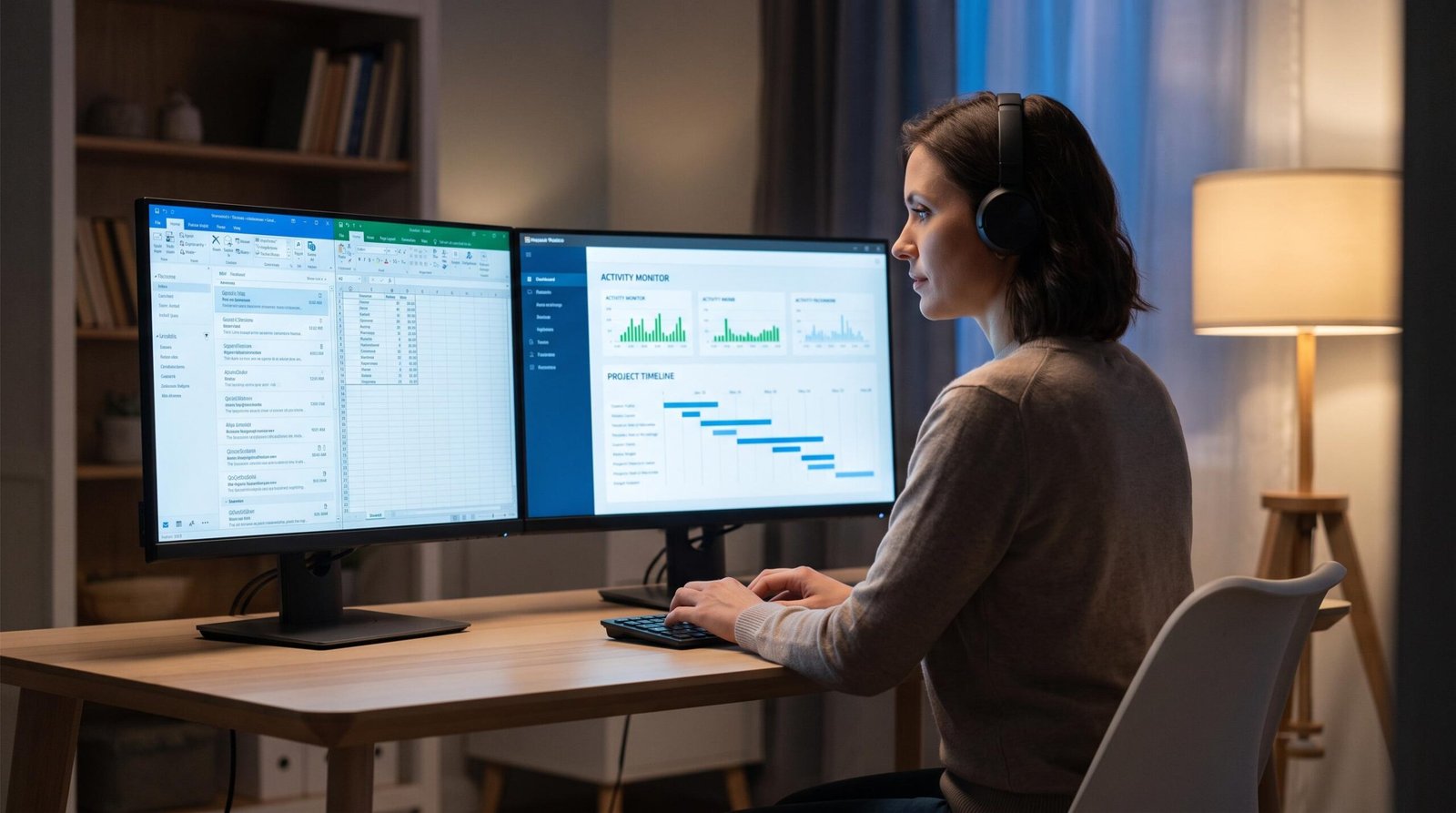
Detection is not magic and it is not a single button. It comes down to what layer of your machine the jiggler touches and whether your company has a tool watching that layer. There are two fundamentally different kinds of jiggler, and they get exposed in completely different ways. Confusing the two is the single biggest mistake we see in the OE community.
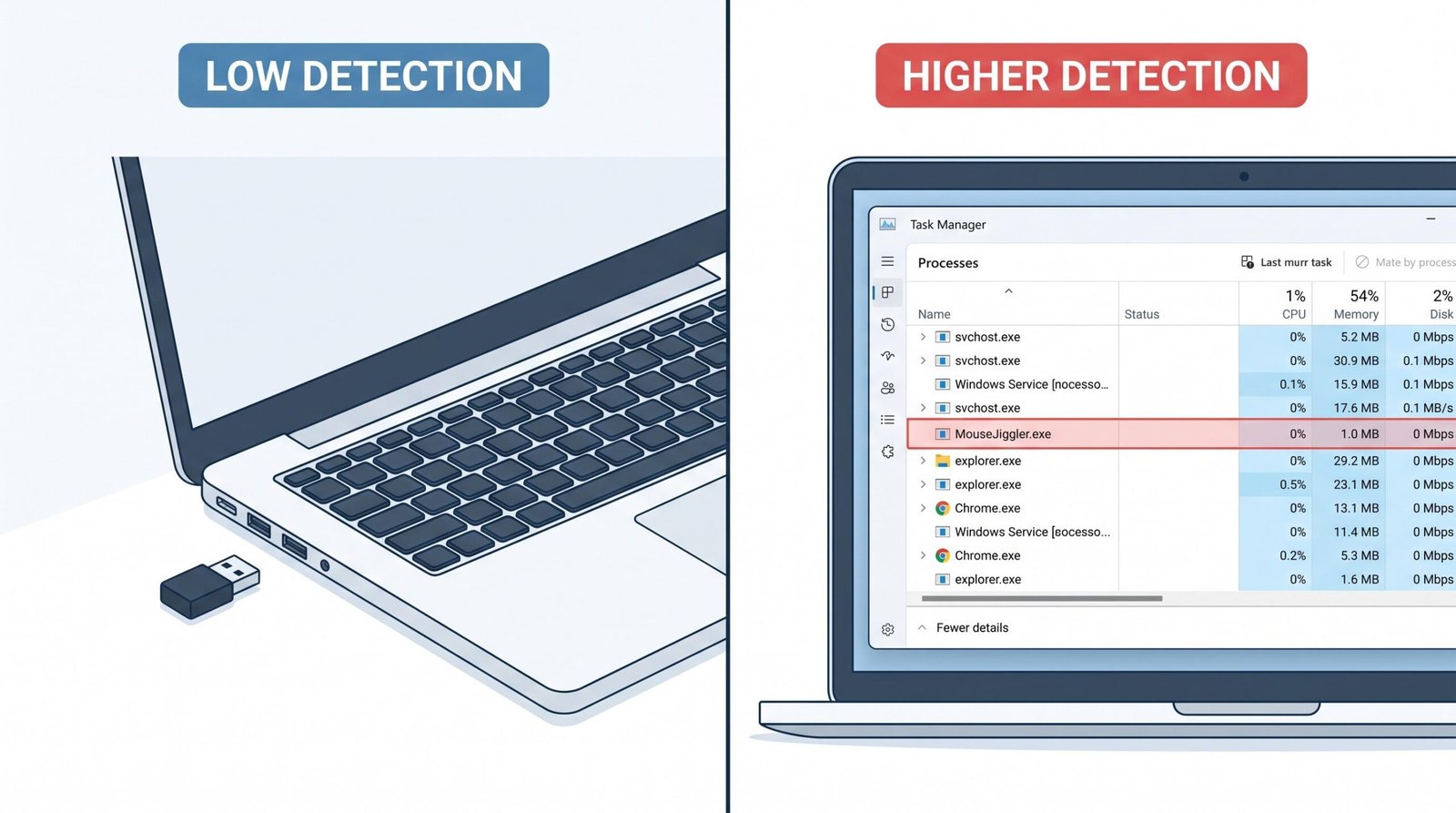
A useful way to think about it: software jigglers live inside the computer, so they leave software footprints. Hardware jigglers sit outside the computer’s brain and just push the cursor, so they leave almost nothing behind. Everything below flows from that one distinction.
Software Jigglers: What Gets Exposed
A software jiggler is an application. When it runs, the operating system knows about it the same way it knows about your browser or your PDF reader. That means it appears in the process list. Anyone or anything that can read that list can see a program with a name like the jiggler’s executable sitting there, running, all day.
On an unmanaged personal machine, nobody is reading that list. On a corporate laptop with an endpoint agent, something is reading it constantly. Modern monitoring platforms keep a running inventory of every process and can match names against a blocklist. If your jiggler’s executable is named something obvious, a blocklist rule catches it instantly. Some tools go further and flag any unsigned or unrecognized program that generates continuous input.
Software jigglers can also be caught through:
- Startup and service entries. If the app launches itself at boot, it writes to startup locations that MDM and security tools audit.
- Installed-application inventory. Managed devices report what is installed. An installer leaves a trail.
- Behavioral signature. Even with a renamed executable, a program that nudges the cursor in a perfect loop every few seconds looks nothing like a human.
None of this means software jigglers are useless. It means they belong on the right device. If you want the lowest-risk software options that avoid obvious naming and heavy footprints, our roundup of the best mouse jiggler software covers which ones stay quiet and which ones announce themselves.
Hardware USB Jigglers: What Gets Exposed
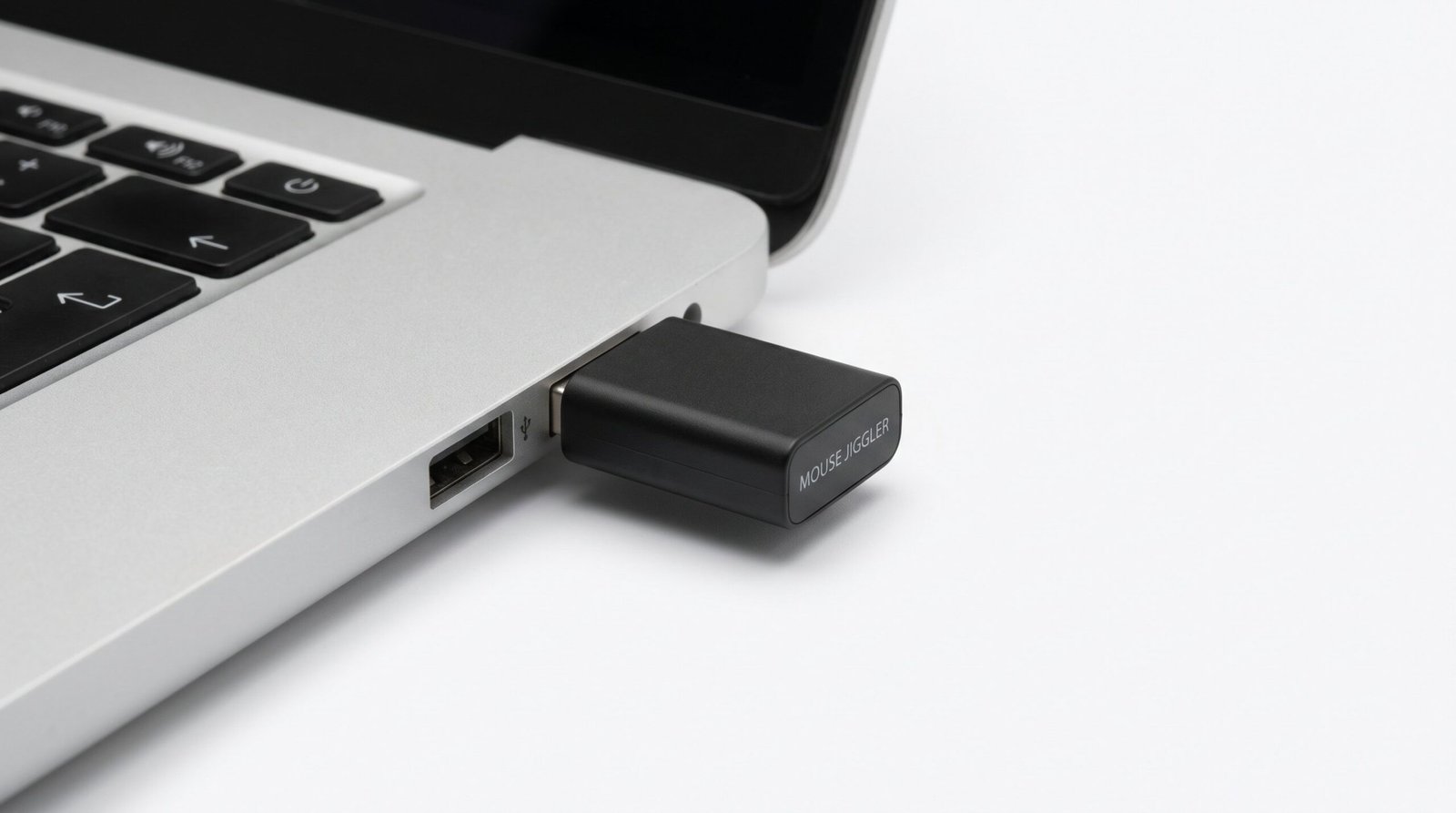
A hardware jiggler is a small physical device. You plug it into a USB port, and it moves your cursor by sending input signals directly, exactly like a real mouse. Here is the key point: it installs no software. There is no process, no service, no file, no startup entry. Monitoring software that scans the process list finds nothing, because there is nothing to find.
The device presents itself to your computer as a standard Human Interface Device, the same category a normal mouse or keyboard uses. Windows loads its built-in generic driver and treats it as an ordinary pointing device. If you want the technical detail, Microsoft’s HID API reference describes exactly how these devices register with the operating system. The practical takeaway is that a good hardware jiggler is indistinguishable from a cheap second mouse.
So what can expose it? One thing, and only one: the USB device log. When any device connects, the operating system records it. On a managed machine, MDM and security tools can collect that log and see that a Human Interface Device was attached at a certain time. That is the entire footprint. And it comes with heavy caveats:
- The log entry usually reads as a generic HID mouse, not “jiggler.” It does not announce what it is.
- Somebody has to actually pull and review USB logs, which most IT teams never do unless they already suspect you.
- A device that mimics a legitimate mouse vendor blends into a sea of ordinary peripherals.
This is why hardware is the community favorite for high-monitoring environments. It sidesteps every software-based detection method in one move. For picks that stay invisible and require no driver, see our guide on what is the best mouse jiggler.
Here is the two-type comparison at a glance, so you can see exactly why the choice of jiggler matters more than the brand you pick:
| Jiggler Type | How It’s Detected | Detection Difficulty | MDM Risk | Best For |
|---|---|---|---|---|
| Software jiggler | Appears in the running-process list, installed-app inventory, and startup entries; can also be flagged by robotic behavior | Low, easy to catch on a managed device | High, MDM enumerates processes and installed apps | Personal or unmonitored machines and light productivity tracking |
| Hardware USB jiggler | Installs nothing; only a generic HID mouse entry in USB device logs, which rarely gets reviewed | High, very hard to catch without USB auditing | Low, no software footprint for MDM to see | Full endpoint monitoring and MDM-managed corporate devices |
Platform-by-Platform: Teams, Slack, and Zoom
People conflate two very different questions. The first is “can this app detect a jiggler.” The second is “will this app show me as active.” Almost every fear about Teams, Slack, and Zoom is really about the second question. None of these platforms ships a jiggler-detection feature. What they do is report presence, and presence is easy to satisfy. Let us take them one at a time.
Microsoft Teams
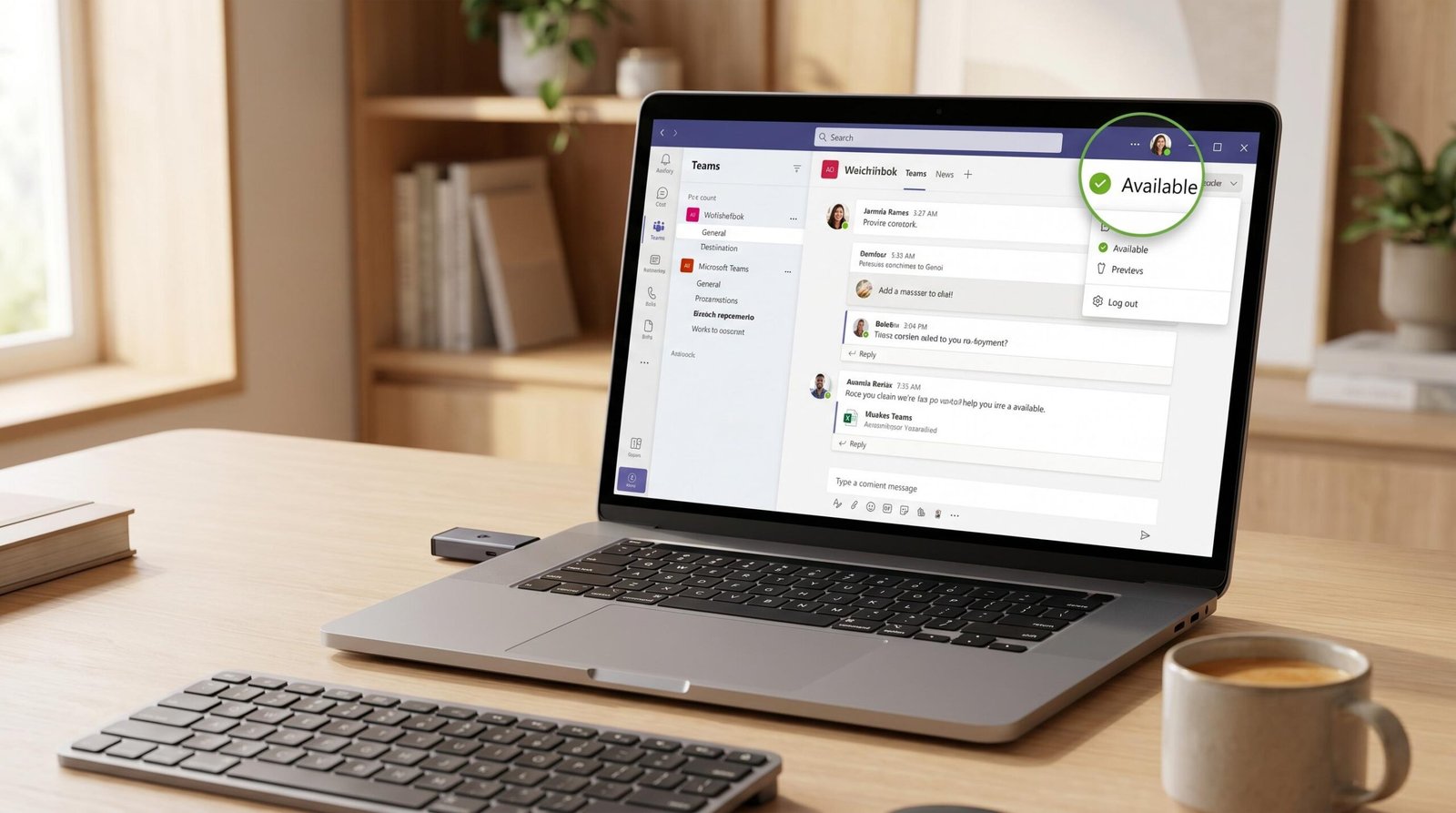
Teams sets your status based on activity. Move the cursor, type, or interact, and the green dot stays lit. Go idle for a few minutes with no input, and it flips to yellow. That is the whole mechanism. A working jiggler generates input, so Teams stays green. Teams itself has no code that says “this looks like a jiggler.”
The nuance is that Teams lives inside Microsoft 365, and Microsoft 365 gives admins telemetry. Admins can see activity signals and, on managed devices, whatever the endpoint agent reports. So the detection risk is not Teams the app; it is the monitoring stack around it. A jiggler keeps your presence green all day, but if a heavy endpoint tool flags the jiggler process underneath, the green dot was never your problem. We break down the specifics in our dedicated piece on whether Teams can detect a mouse jiggler.
Slack
Slack is the platform where people get overconfident. Slack does not track your operating-system cursor the way an idle timer does. It ties presence to interaction with the Slack client, the app window or the browser tab. If the Slack window is not focused and you are only wiggling the mouse in some other window, Slack may not count that as activity and can quietly flip you to away.
This trips up a lot of people who assume any jiggler equals a green Slack dot. It does not. To hold Slack active, you generally need the Slack app itself receiving interaction, not just cursor motion elsewhere on the desktop. A jiggler helps, but Slack behaves differently from a raw idle timer, and you should test it rather than trust it. Full detail lives in our article on whether Slack can detect a mouse jiggler.
Zoom
Zoom is the least of your worries. Zoom shows you as “in a meeting” or “available” and does not run an idle timer that a jiggler needs to defeat during a call. Once you are on a Zoom call, you are on it. Zoom has no jiggler-detection feature and no interest in your cursor pattern.
Where people get burned on Zoom is camera and audio, not mouse movement. A frozen face, a repeated loop of head motion, or dead silence when asked a direct question exposes an absence far faster than any cursor analysis. A jiggler does nothing for that; presence on camera is a human problem. We cover the edge cases in our breakdown of whether Zoom can detect a mouse jiggler.
Corporate Monitoring Software That Can Flag Jigglers
This is where real detection risk lives. Not in the chat apps, but in the dedicated employee-monitoring platforms your company may or may not have installed. These tools sit on the endpoint and watch far more than presence. They log processes, track USB devices, record screens, and score behavior. Whether one of these is on your machine is the biggest single factor in your risk.
The table below compares the capabilities that matter for jiggler detection across the platforms we see most often. “Process monitoring” is the software killer. “USB device logs” is the only real threat to hardware. “Screen recording” catches the human tells no jiggler can hide, like a static screen for hours.
| Software | Process Monitoring | USB Device Logs | Screen Recording | Risk Level |
|---|---|---|---|---|
| Teramind | Yes, deep process and behavior tracking | Yes, USB activity is logged and can be blocked | Yes, continuous | Very High |
| Veriato | Yes, with AI behavior analytics | Yes | Yes, continuous | Very High |
| ActivTrak | Yes, application and process usage | Limited | Optional screenshots | Medium |
| Hubstaff | Partial, focused on active apps and time | No | Periodic screenshots | Medium |
| CurrentWare | Yes, plus dedicated USB device control | Yes, strong USB auditing and blocking | Optional | High |
Read that table with your own situation in mind. If you are on Teramind or Veriato, treat both software and hardware jigglers with respect; these platforms do behavior analytics that can flag a robotic cursor pattern even when they never identify the jiggler by name. If you are on CurrentWare, note the aggressive USB auditing, which is one of the few setups where a hardware device carries genuine risk. If you are on Hubstaff or ActivTrak, the picture is lighter; these lean toward productivity metrics and screenshots rather than deep endpoint forensics, so a hardware jiggler rarely surfaces.
The uncomfortable truth these tools reveal: at the high end, the jiggler itself is not always what exposes you. Continuous screen recording plus low output tells a story no cursor movement can rewrite. Keep that in mind before you assume any device makes you invisible.
Who Is Actually at Risk? Your Detection Risk Tier
Enough generalities. Your actual risk is a function of two things: what monitoring your company runs, and which type of jiggler you use. Put those together and you get a clear tier. Find your company setup in the table, cross-reference your jiggler type, and you will know roughly where you stand.
| Company Setup | Software Jiggler Risk | Hardware USB Jiggler Risk | Notes |
|---|---|---|---|
| No monitoring software | Very Low | Very Low | Nothing is reading your process list or USB logs. Presence apps only care that input exists. |
| Basic productivity tracking | Low to Medium | Very Low | Screenshots and active-app time can reveal low output, but a hardware device stays invisible. |
| Full endpoint monitoring | High | Low to Medium | Process lists expose software instantly. Behavior analytics may flag a robotic cursor even on hardware. |
| MDM-managed devices | High | Low | MDM enumerates installed apps and processes. Hardware installs nothing, so it slips past almost everything except USB auditing. |
The pattern is consistent across every row. Software jigglers scale in risk as monitoring gets heavier, because they always leave a process. Hardware stays near the floor in almost every scenario, rising only when a company runs strict USB auditing. If you do not know which tier you are in, assume the worse one until you can confirm. It costs nothing to be careful and everything to guess wrong.
A quick way to self-assess your tier: check whether your work laptop lets you install software freely (usually means lighter monitoring), whether a security agent lives in your system tray, and whether IT can remotely push updates or wipe the device (a strong MDM signal). Those three checks place most people accurately within a minute.
What Makes a Mouse Jiggler Undetectable?
The phrase “undetectable mouse jiggler” gets thrown around loosely, so let us define it properly. Undetectable does not mean magic. It means the jiggler leaves no software footprint and mimics human behavior well enough that neither a process scan nor a behavior model raises a flag. Get those two properties right and you are practically invisible on all but the most paranoid setups.
Here is what actually moves a jiggler toward undetectable:
- No installed software. This is the big one. A hardware device that runs on its own leaves no process, service, or file. Nothing to enumerate means nothing to blocklist. This single property beats the entire process-monitoring category.
- No driver required. A device that uses the operating system’s built-in generic HID driver installs nothing and works on locked-down machines. The moment a jiggler needs you to install a driver, it creates a footprint and may be blocked outright.
- Human-like movement. Behavior analytics catch perfect loops. Varied, slightly random cursor paths with occasional pauses read far more like a real person than a metronome nudging the pointer one pixel every five seconds.
- Standard peripheral identity. A device that presents like a common mouse vendor blends into normal USB logs instead of standing out as an oddity.
- Right device, right tier. Undetectable is contextual. A quiet software jiggler is plenty on an unmonitored personal machine. On full endpoint monitoring, hardware is the only honest answer.
Put simply, the most undetectable jiggler is a standalone hardware unit that needs no driver, moves with a little natural variation, and looks like an ordinary mouse to the system. That combination defeats process monitoring entirely and leaves only an unremarkable USB log entry that almost nobody reviews. If you are choosing hardware with this in mind, our picks in what is the best mouse jiggler are filtered for exactly these traits, and for software-based needs on lighter setups, the best mouse jiggler software guide flags the quietest options.
We suggest matching the tool to your tier rather than chasing the “most undetectable” label for its own sake. Overkill on an unmonitored laptop is wasted effort. Underkill on a Teramind endpoint is a real risk. The smart move is proportional to what your employer actually runs.
Frequently Asked Questions
Can IT see if I’m using a mouse jiggler?
Only if they have the right tools and choose to look. A software jiggler runs as a process on your machine, so on a managed device with endpoint monitoring or MDM, IT can see a program with the jiggler’s name running and can flag it against a blocklist. A hardware USB jiggler installs nothing, so there is no process to find; the only trace is a generic Human Interface Device entry in USB logs, which reads like an ordinary mouse and rarely gets reviewed. On a personal, unmanaged device with no corporate agent, IT has no visibility into either type. So the answer hinges entirely on your device and your company’s tooling, not on the jiggler existing.
Does Teams detect mouse jigglers?
No. Microsoft Teams has no feature that identifies or detects mouse jigglers. Teams simply reports presence based on whether input activity is happening, so any working jiggler keeps your status green. The confusion comes from Teams living inside Microsoft 365, where admins have access to activity telemetry and, on managed devices, endpoint reporting. That surrounding stack is where detection risk actually sits. The green dot in Teams is trivial to keep lit; the monitoring layer underneath is the part worth thinking about.
Are hardware mouse jigglers harder to detect than software ones?
Yes, significantly. A hardware jiggler operates at the physical level and installs no software, so it leaves no process, service, startup entry, or file for monitoring tools to catch. A software jiggler is an application the operating system tracks, which endpoint tools and MDM can enumerate by process name and match against a blocklist. The only footprint a hardware unit leaves is a USB device log entry, and even that usually shows up as a nondescript HID mouse. For anyone on a heavily monitored or MDM-managed machine, hardware is the clear choice for staying under the radar.
Can a company tell if I’m AFK even with a mouse jiggler?
Sometimes, yes. A jiggler defeats simple idle timers because it generates input, so basic presence indicators stay green. But sophisticated monitoring does not just check whether input exists; it analyzes the pattern. A cursor drifting in a tiny, repetitive loop for hours with zero clicks, no keystrokes, and no window switching looks robotic, and behavior-analytics platforms score exactly that kind of signature. Beyond the software, a manager watching consistently low output can infer you were away regardless of a green dot. A jiggler buys you presence, not productivity, and the gap between the two is where people get caught.
Will a mouse jiggler keep me “active” on Slack?
Not reliably on its own. Slack ties presence to interaction with the Slack client itself, the focused app window or browser tab, rather than to raw cursor movement anywhere on the desktop. If the Slack window is in the background while you jiggle the mouse in another window, Slack may not register that as activity and can flip you to away. To hold your Slack dot green, you generally need the Slack app receiving actual interaction, or a tool that targets the Slack window specifically. Test your setup before you rely on it, because Slack behaves differently from a plain operating-system idle timer.
What’s the most undetectable type of mouse jiggler?
A standalone hardware USB jiggler that requires no driver and presents as a standard HID mouse. Because it installs nothing, process monitoring and MDM have no application to detect, which eliminates the entire software-based detection category in one step. Because it uses the operating system’s built-in generic driver, it works on locked-down and MDM-managed machines without leaving an install trail. Its only footprint is an ordinary USB device log entry that looks like a normal mouse and almost never gets audited. Add slightly varied, human-like movement and you defeat behavior analytics too, making it the safest choice for high-monitoring environments.